Preview your wall in AR — try Suprtiles for iPhone
Get the iOS app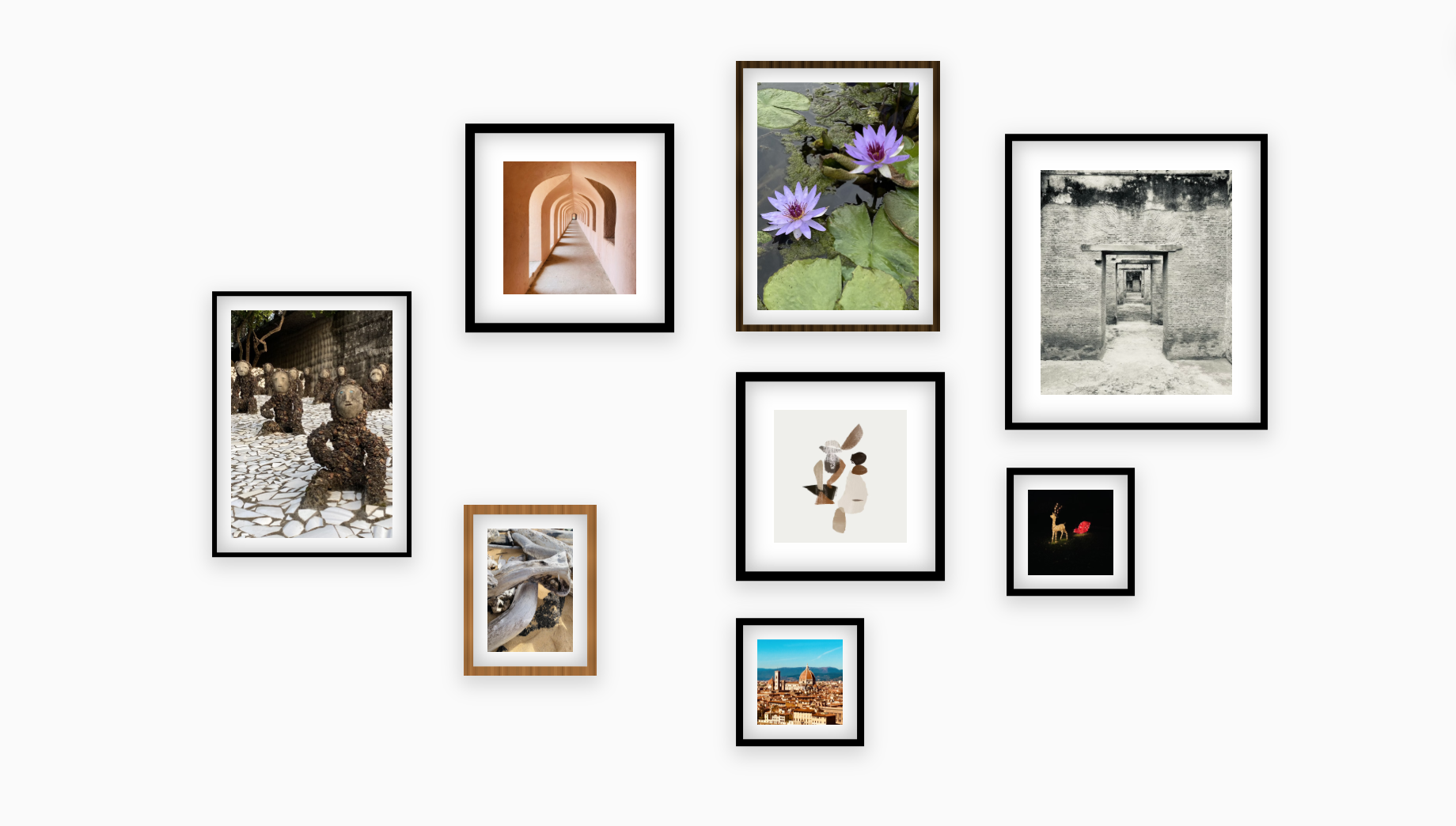
Why use a planner?
Most mistakes happen before the first nail. Planning digitally helps you avoid bad spacing, wrong frame sizes, and unnecessary holes.
Avoid extra holes
Plan the layout first so you do not patch and rehang later.
Buy the right frames
See the sizes you need before you buy frames or prints.
Test more layouts
Try grids, clusters, and staircase layouts in minutes.
Share before you hang
Export a snapshot and get feedback before install day.
How it works
Four quick steps from a blank wall to a plan you can trust.
Step 1
Set wall size
Enter the wall width and height so every decision is based on the real space.
Step 2
Add frame sizes
Use standard or custom sizes and mix portrait and landscape frames freely.
Step 3
Arrange the layout
Drag frames into place, align edges, and test different spacing rules.
Step 4
Preview the room
Drop the layout into a room scene and check how it feels before you hang anything.
Already have a wall? Scan it.
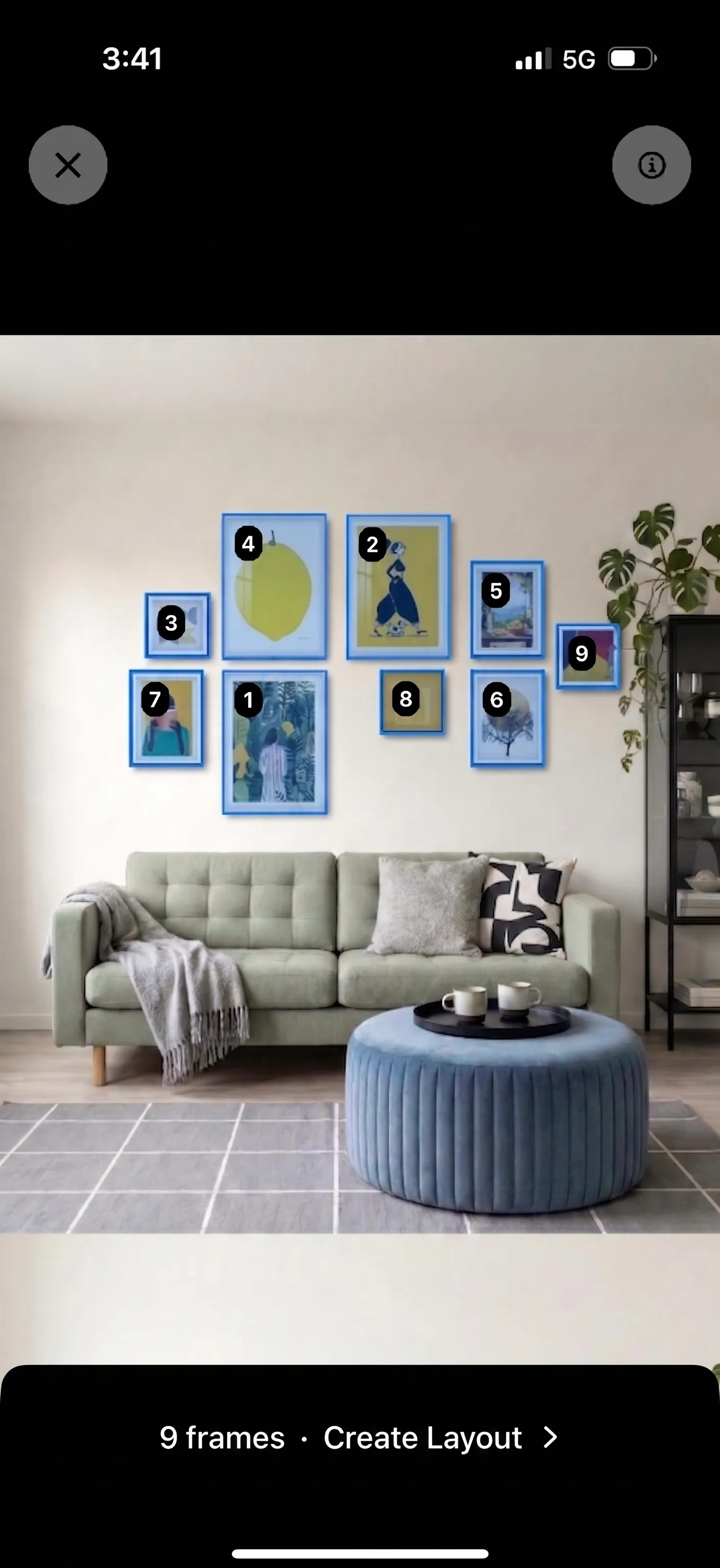
Have a photo or sketch of an existing gallery wall? Use our new Photo to Layout feature to scan the image, auto-detect the frames, and convert it into a fully editable digital layout instantly.
- Upload a photo or hand-drawn sketch
- Auto-detect geometric frames
- Convert directly to your Suprtiles canvas

Layout styles
Start with a proven layout, then fine-tune the spacing and frame mix.
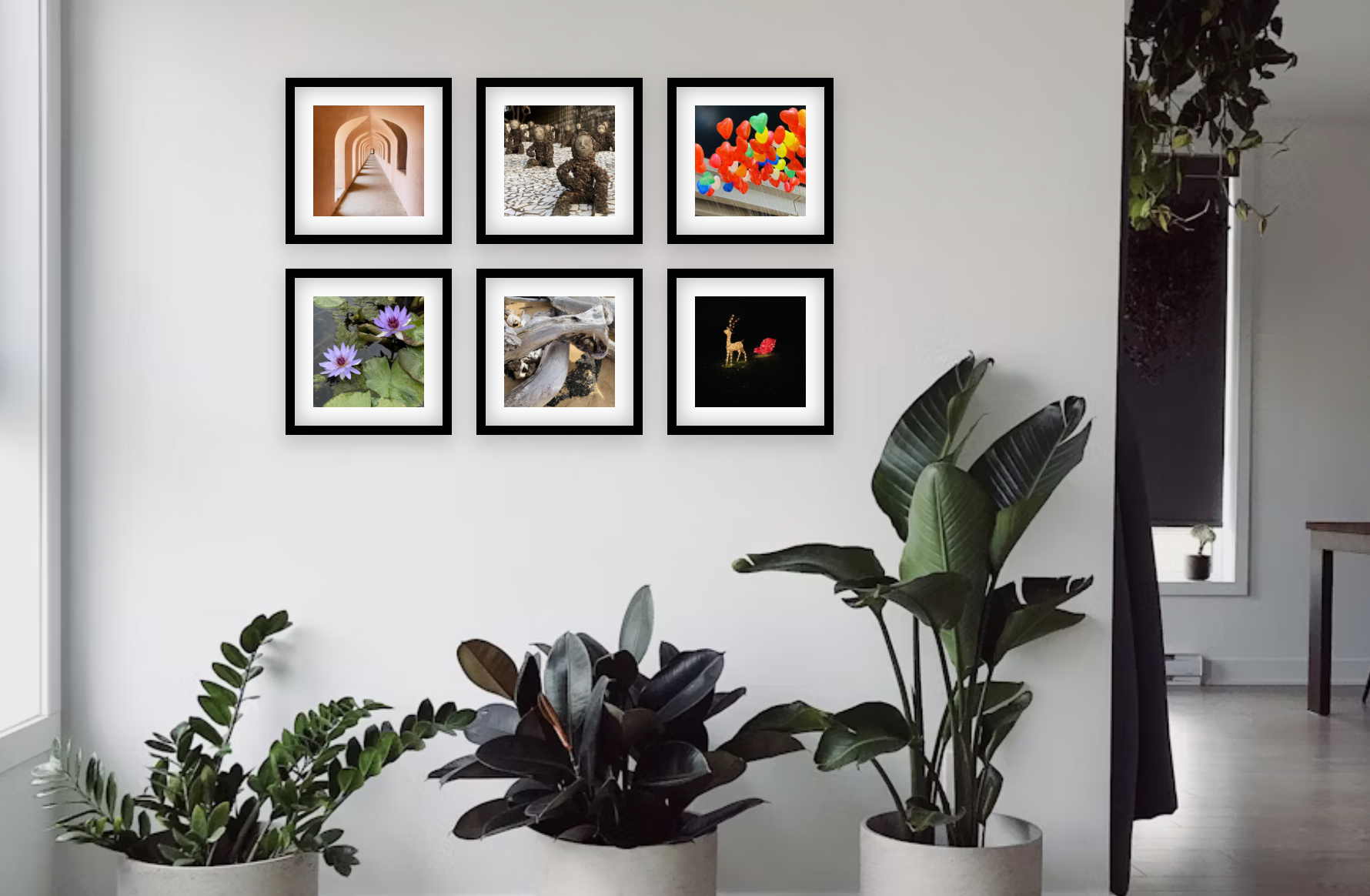
Grid
Uniform frames in neat rows and columns. Clean, modern, satisfying.
Works well in Bedrooms, offices, hallways
Organic Cluster
Mixed sizes around a central anchor. Warm and lived-in.
Works well in Living rooms, above sofas
Staircase
Frames that follow the diagonal rise of stairs. Dynamic and eye-catching.
Works well in Staircases, tall narrow walls
Salon Style
Frame-to-frame from floor to ceiling. Bold, editorial, gallery-like.
Works well in Statement walls, dining rooms
Now on the App Store
Plan your gallery wall, then see it on your real wall
- Preview your gallery wall in AR
- Turn a photo into an editable layout
- Plan, save, and take a Hanging Guide with you

Free download · Optional in-app purchases
Preview it on your wall
Drop the layout into a realistic room scene, adjust the lighting, and make sure the scale feels right before you start hanging.
- Upload a photo of your actual room
- Adjust room brightness and tint
- Export a shareable snapshot of the final plan
Gallery wall planner FAQ
Practical answers about spacing, frame sizes, and planning the wall before install day.
How much space should you leave between gallery wall frames?
Most gallery walls look best with 2 to 4 inches between frames. Pick one spacing rule and keep it consistent. Consistency matters more than the exact number.
Can you plan a gallery wall with exact frame sizes before you buy anything?
Yes. Add the frame sizes you already own or the ones you are considering, then move them around on a wall-sized canvas before you buy, print, or hang anything.
When should you use a wall planner instead of Canva or Photoshop?
Use a wall planner when the job is physical wall planning, not graphic design. Suprtiles is built for real dimensions, frame spacing, room preview, and install confidence.
How do you fix a gallery wall layout that feels uneven?
Start by checking the anchor piece, then tighten the spacing, balance large and small frames, and make sure the outer edges feel intentional. Small spacing changes usually fix the problem faster than rebuilding the whole wall.
Can you use Suprtiles on a phone or tablet?
Yes. Suprtiles runs in the browser, so you can open it on desktop, tablet, or phone. Desktop gives you more canvas space, but mobile works well for quick edits and checks.
Can I scan an existing gallery wall?
Yes. Our Photo to Layout feature lets you upload a photo of an existing gallery wall. It automatically detects the frames and recreates the arrangement as a fully editable layout.
How do you start a gallery wall when the wall is completely blank?
Measure the area you want to fill, decide on a rough layout shape, and start with one anchor frame. From there, add supporting frames and keep the spacing consistent as the arrangement grows.
What frame sizes work best in a mixed gallery wall?
A simple starting mix is one large anchor, two or three medium frames, and a few small fillers. That gives the wall structure without making every frame the same size.
Can you plan staircase, hallway, or above-sofa gallery walls in Suprtiles?
Yes. Suprtiles works well for staircase walls, narrow hallways, and furniture-led layouts because you can test spacing and proportions before you hang anything.
More Suprtiles tools
Open the live planner, compare tools, or check print quality before you order.
Suprtiles Gallery Wall Planner
Start from a blank wall, upload photos, test frame sizes, and build a layout that fits your space.
Starting from scratch and moving quickly into the planner.
Photo Layout Software
See why a dedicated wall layout tool beats generic design apps for real room planning.
Comparing Suprtiles with Canva, Photoshop, or mockup apps.
Photo Layout Editor
Refine spacing, frame sizes, crops, and arrangements once you know the direction you want.
Editing and iterating on a layout until it feels installation-ready.
Choose the Right Frame Size
Check whether your image has enough resolution for the frame size or print size you want.
Print-quality confidence before you order or frame anything.
Best Gallery Wall Layout Tools
Compare Suprtiles with other gallery wall tools and see which workflow fits your job.
Comparing options before you choose a tool.
Ready to plan your wall?
Open the Suprtiles planner to build layouts, try frame sizes, and export installation-ready plans.
Open the Planner and Start Testing Your Wall
No download. No account. Open Suprtiles in your browser, enter your wall size, and have a layout plan ready in minutes.
Open Suprtiles Planner