Design layouts on the go — try Suprtiles for iPhone
Get the iOS app
Design Photo Layouts in Minutes
Suprtiles gives you a clean blank canvas where you can drop unlimited photo tiles, drag, resize, rotate, duplicate, upload your own images, and preview everything with simulated room lighting.
Drag & Drop
Easily arrange your photos with intuitive drag and drop controls.
Auto Layout
Generate balanced arrangements instantly with our smart algorithms.
Room Preview
Upload your own room photo to see exactly how it will look.
Popular Photo Wall Layout Styles
Start from a proven composition or remix it with Auto Layout to find your perfect match.
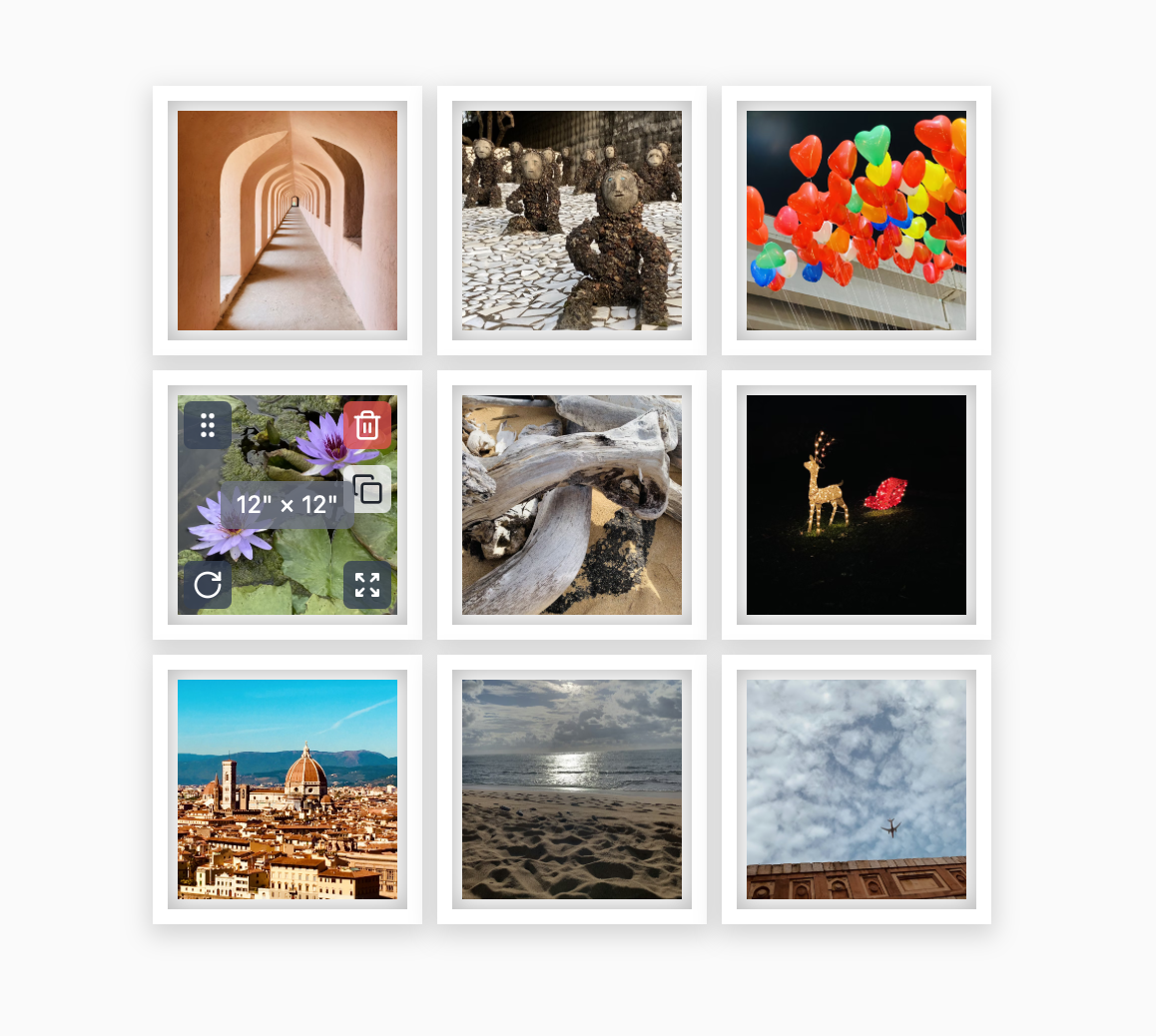
Grid layout
Clean squares in a uniform pattern (think 3×3 or 4×2).
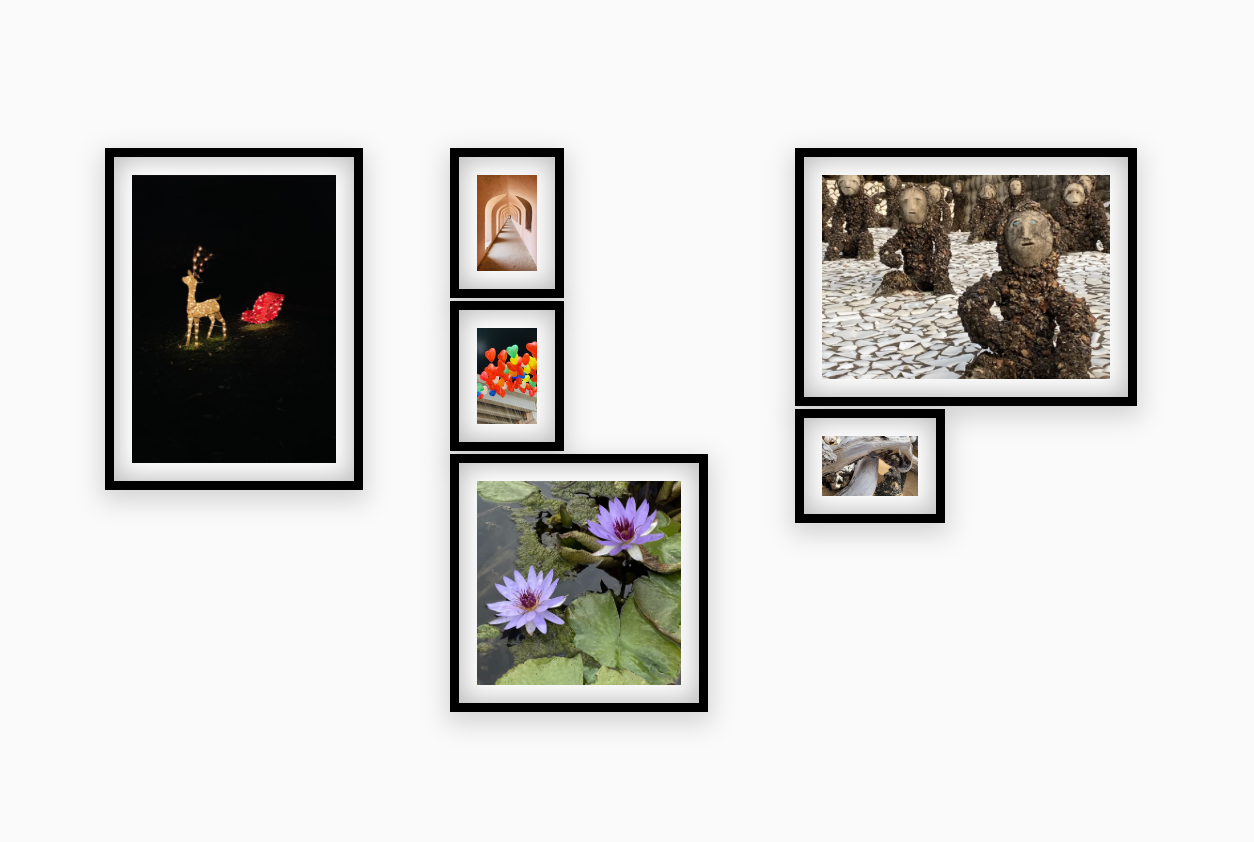
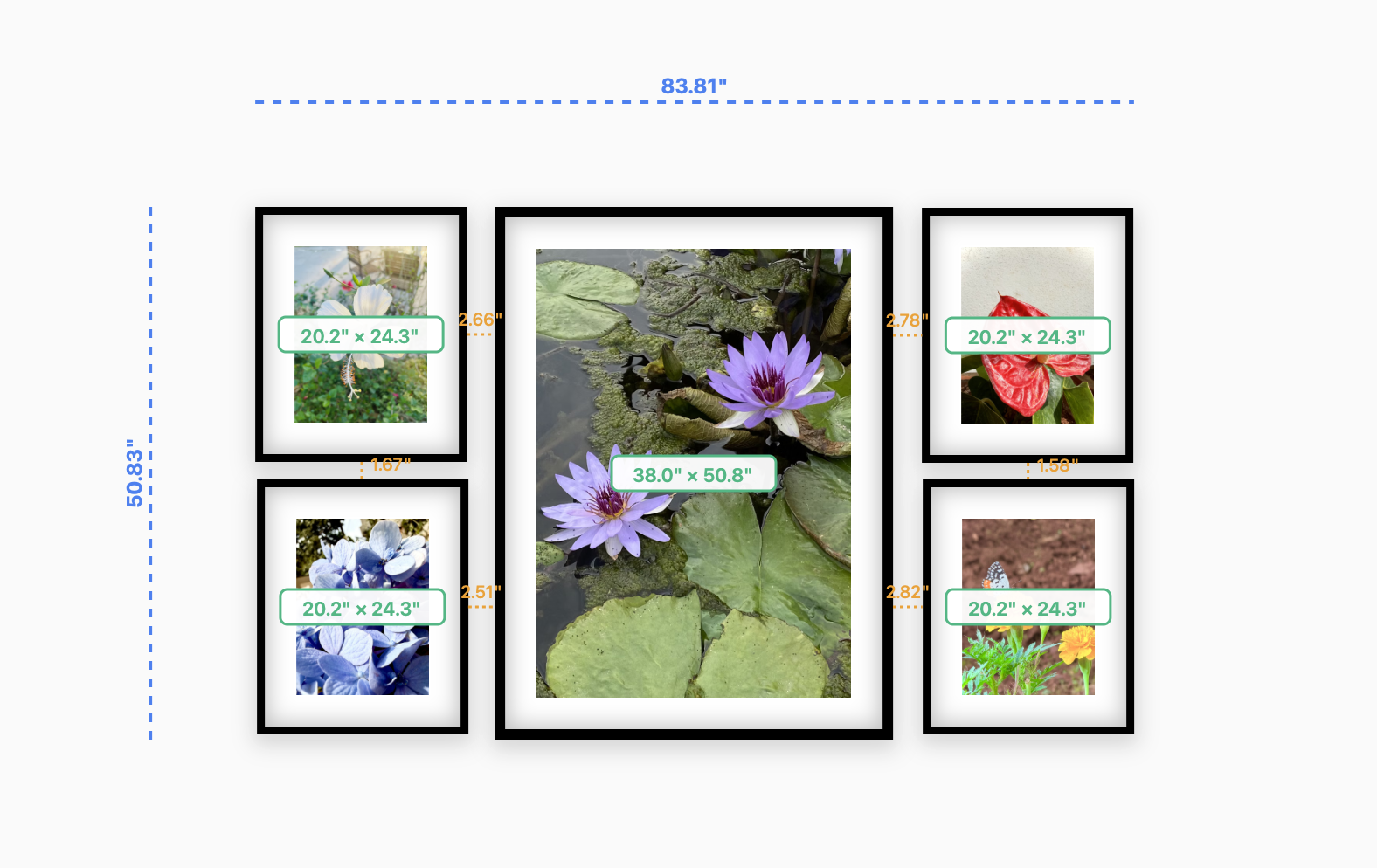
Gallery wall
Different sizes, colors, and orientations with intentional balance.
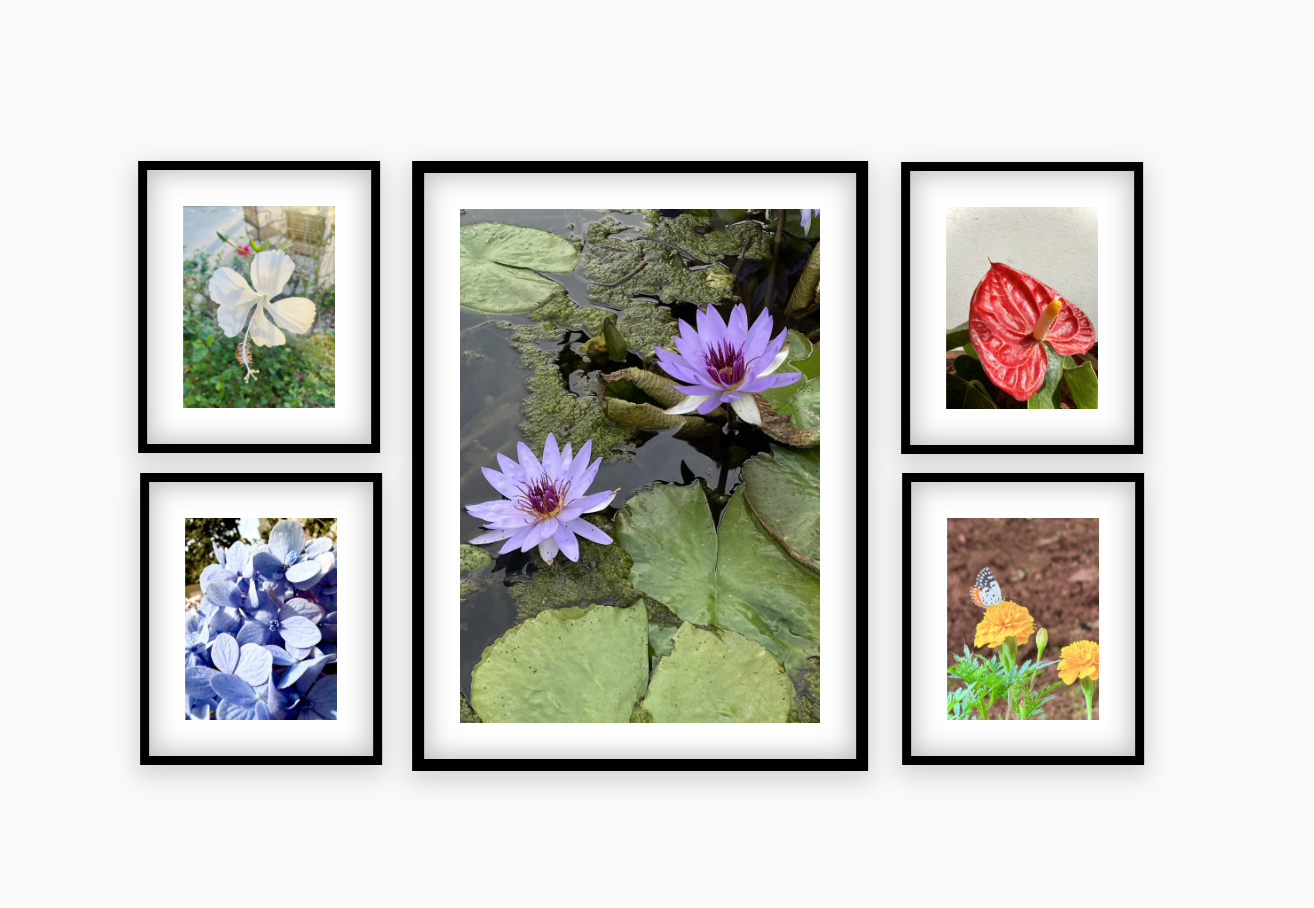
Linear layout
Frames in a straight row above sofas or beds.
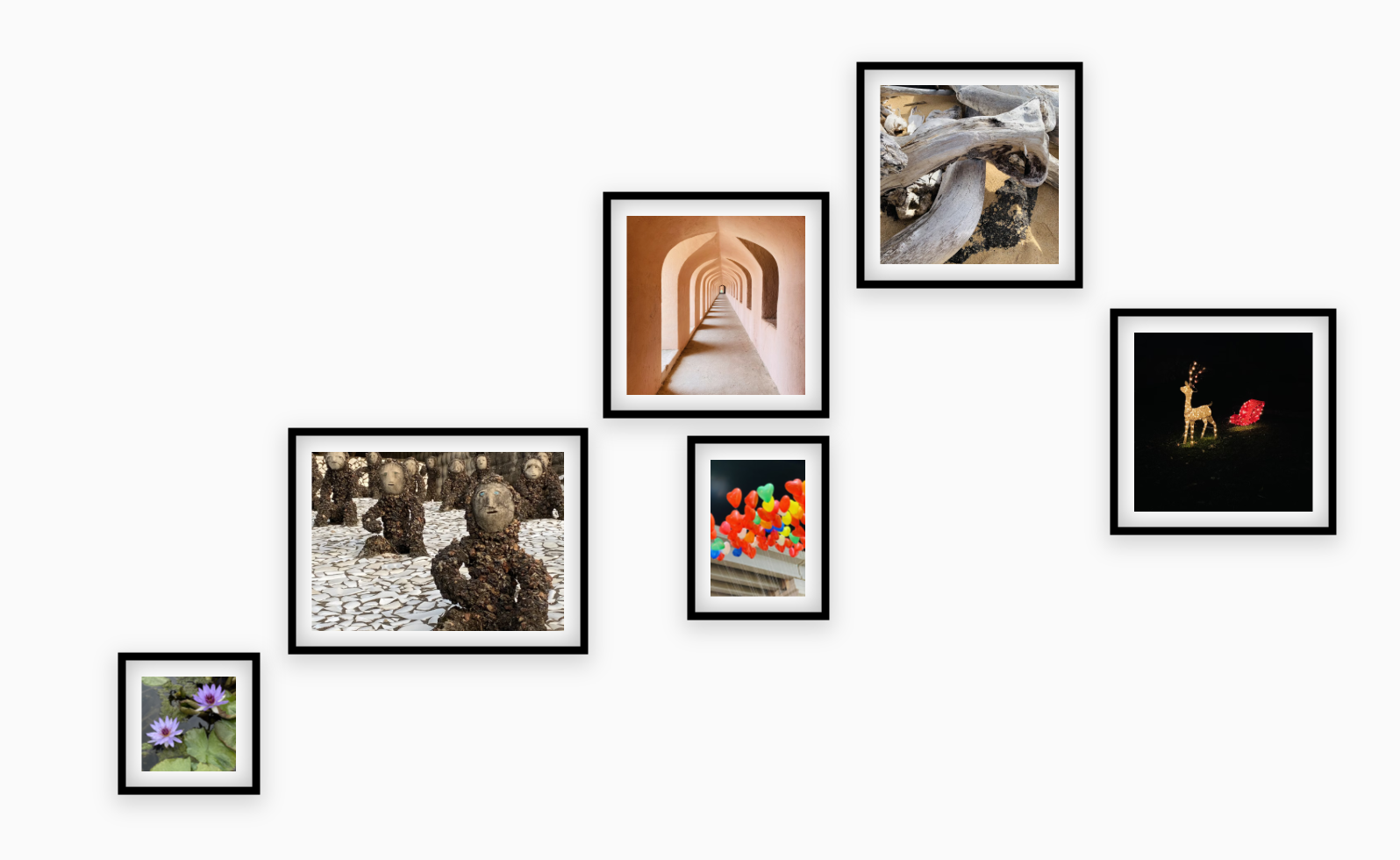
Staircase layout
Frames climbing in steps to mirror your staircase.
Instant Ideas with Auto Layout
Not sure where to start? Hit Auto Layout to generate organically balanced arrangements or use Randomize to explore creative patterns visually.
- Automatically distributes frames with smart spacing
- Dials in rotation, overlap, and visual rhythm
- Keeps your uploaded photos intact while experimenting
Design layouts on the go — try Suprtiles for iPhone
Get the iOS app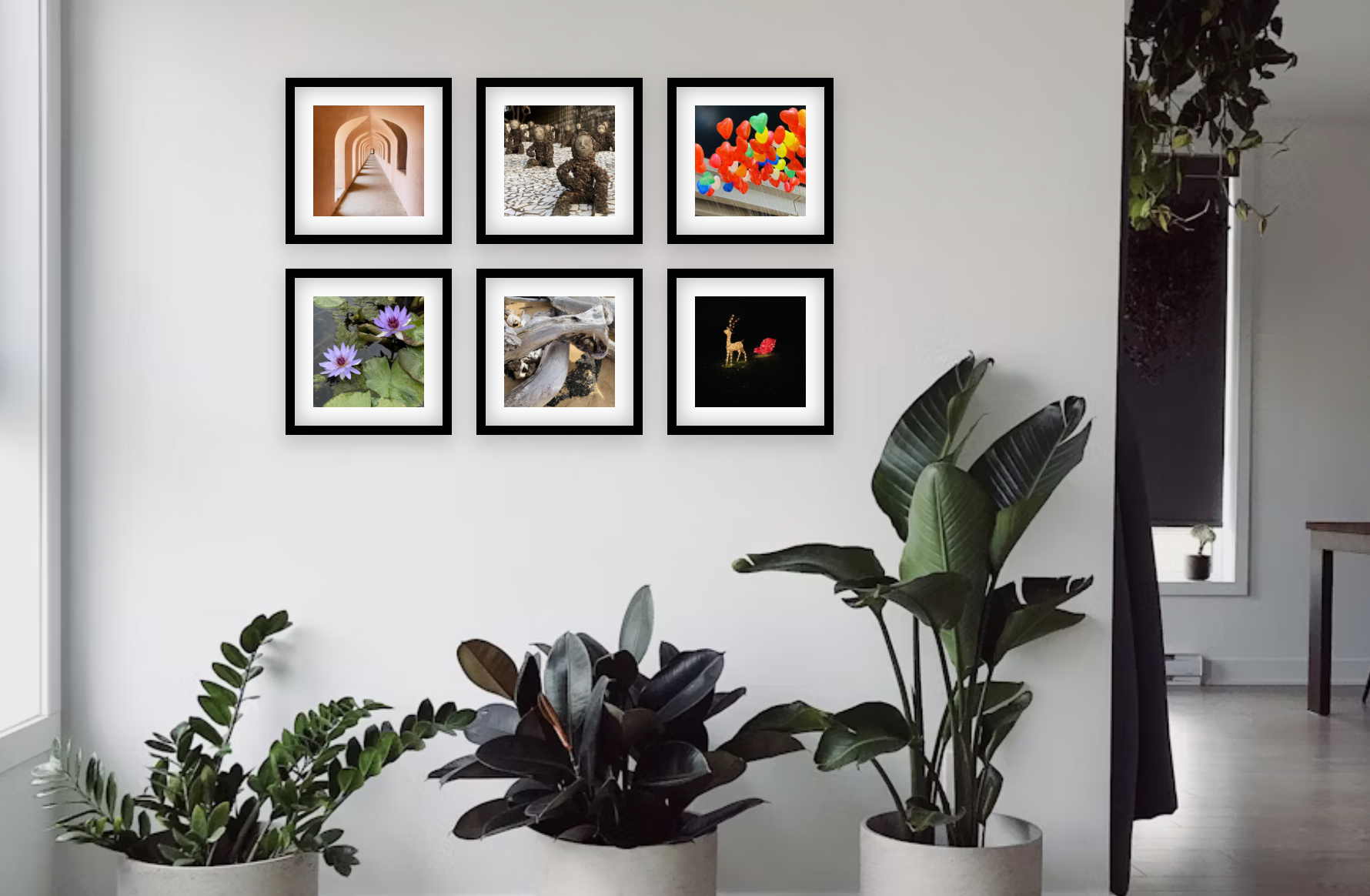
Visualize in Your Space
Test your layout on wall textures and lighting that match your space. Adjust lighting to see shadows like in real homes.
Why Plan Before You Hang?
Planning is especially crucial when ordering photo tiles. It shows exactly how many you need, where gaps appear, and which colors bring harmony.
Perfect Alignment
Avoid crooked or poorly spaced walls with smart snap-to-grid tools.
Size & Scale
Save money by ordering the exact right amount of tiles for your space.
Color Harmony
Test frame colors and borders to match your room's aesthetic before buying.
Visual Preview
Prevent extra nail holes by visualizing the final look first.
Ready to Design Your Wall?
No login. No app download. Everything runs in your browser.
Start Designing Now