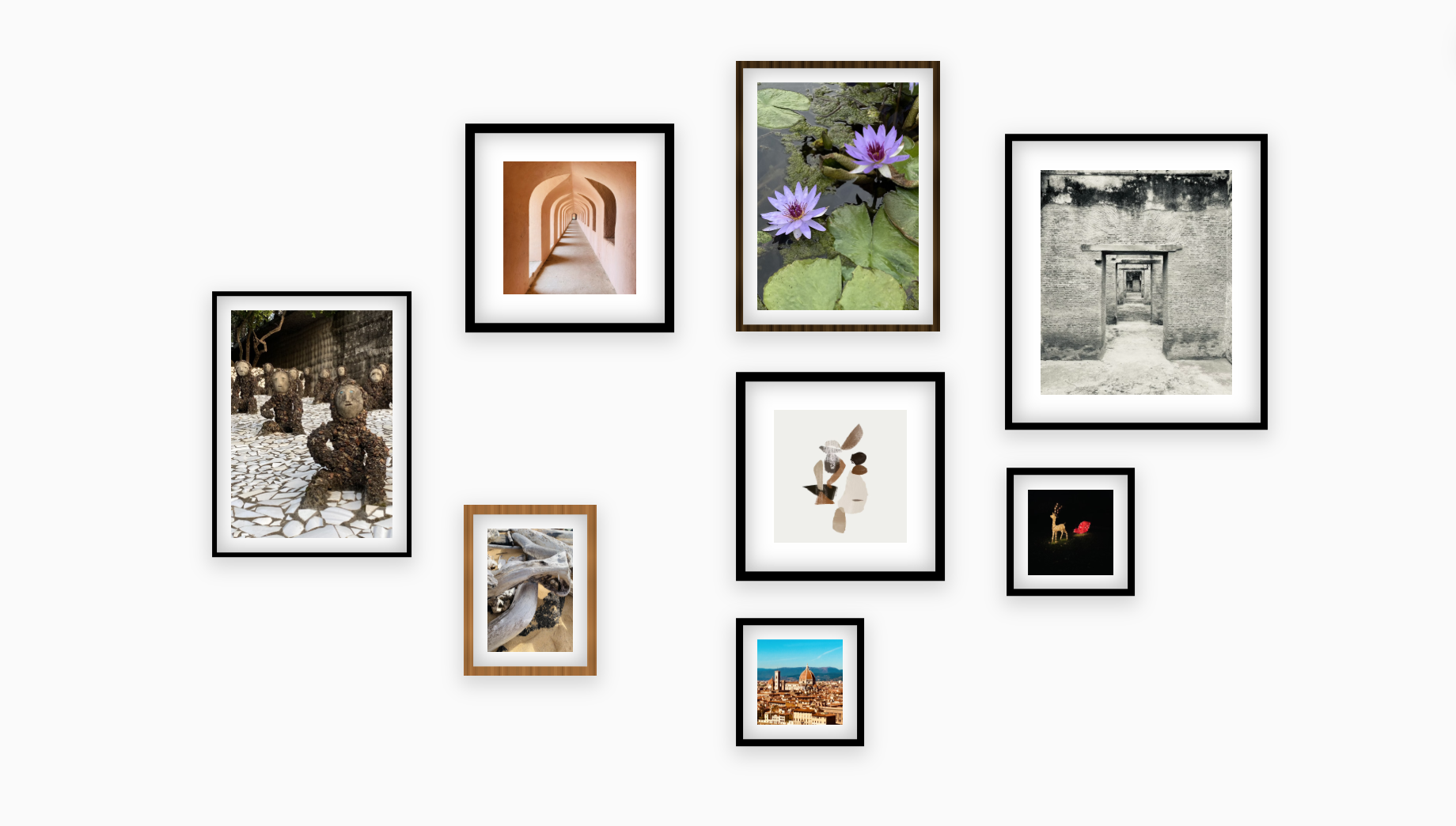
Features Perfect for Home Decor
Everything is built for fast, confident experimenting. Upload, resize, align, and save without losing custom work.
Drag & Drop
Add photos from your computer or phone and arrange them instantly.
Smart Resizing
Resize frames without losing aspect ratio or quality.
Snap to Grid
Get perfect alignment every time with magnetic guides.
Auto-Spacing
Ensure equal margins between every single frame automatically.
Ready-Made Layout Templates
Templates help you avoid visual imbalance. Remix any arrangement with drag-and-drop to match your wall.
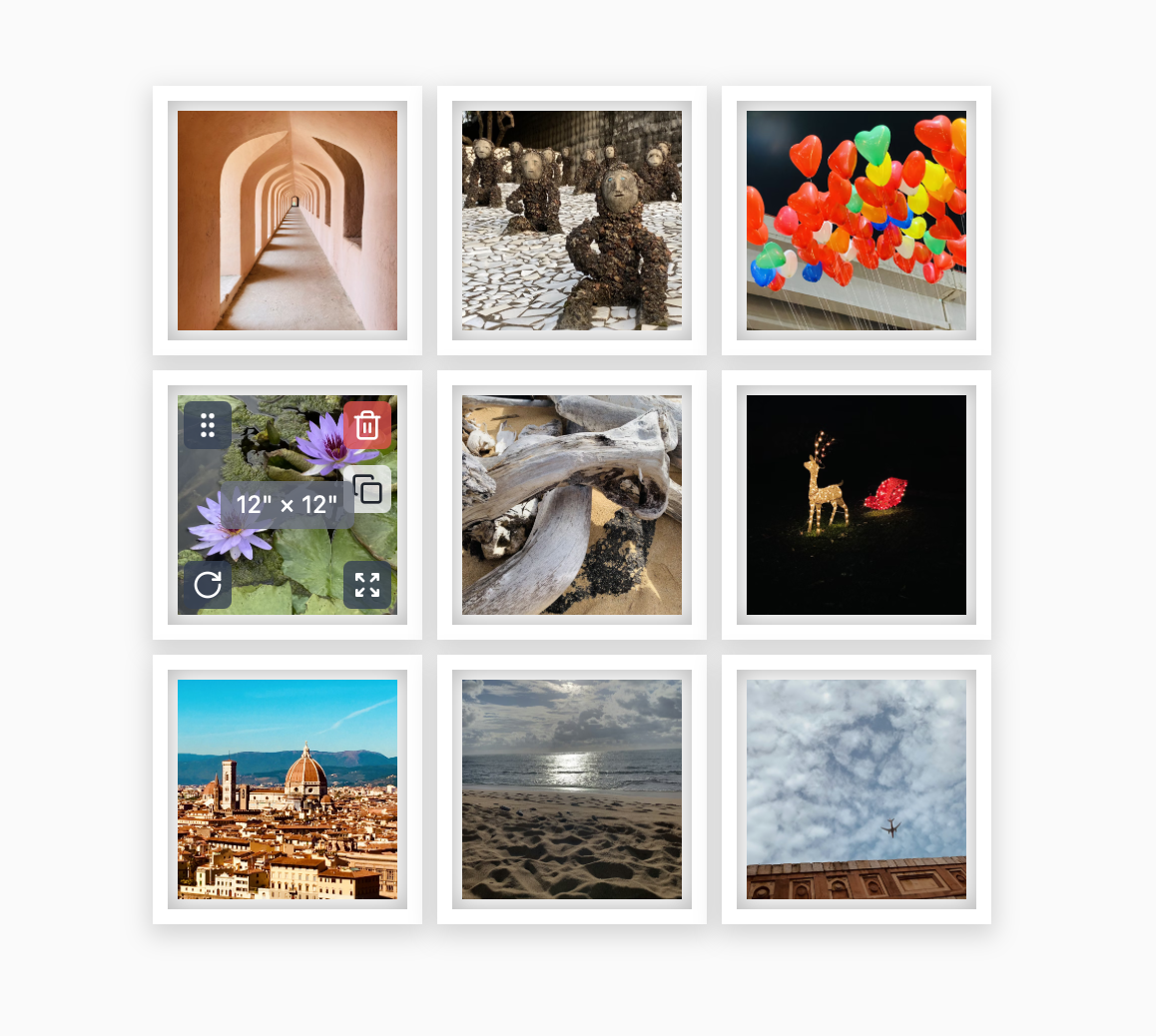
3×3 Square Grid
A perfectly balanced grid for a modern, clean look.
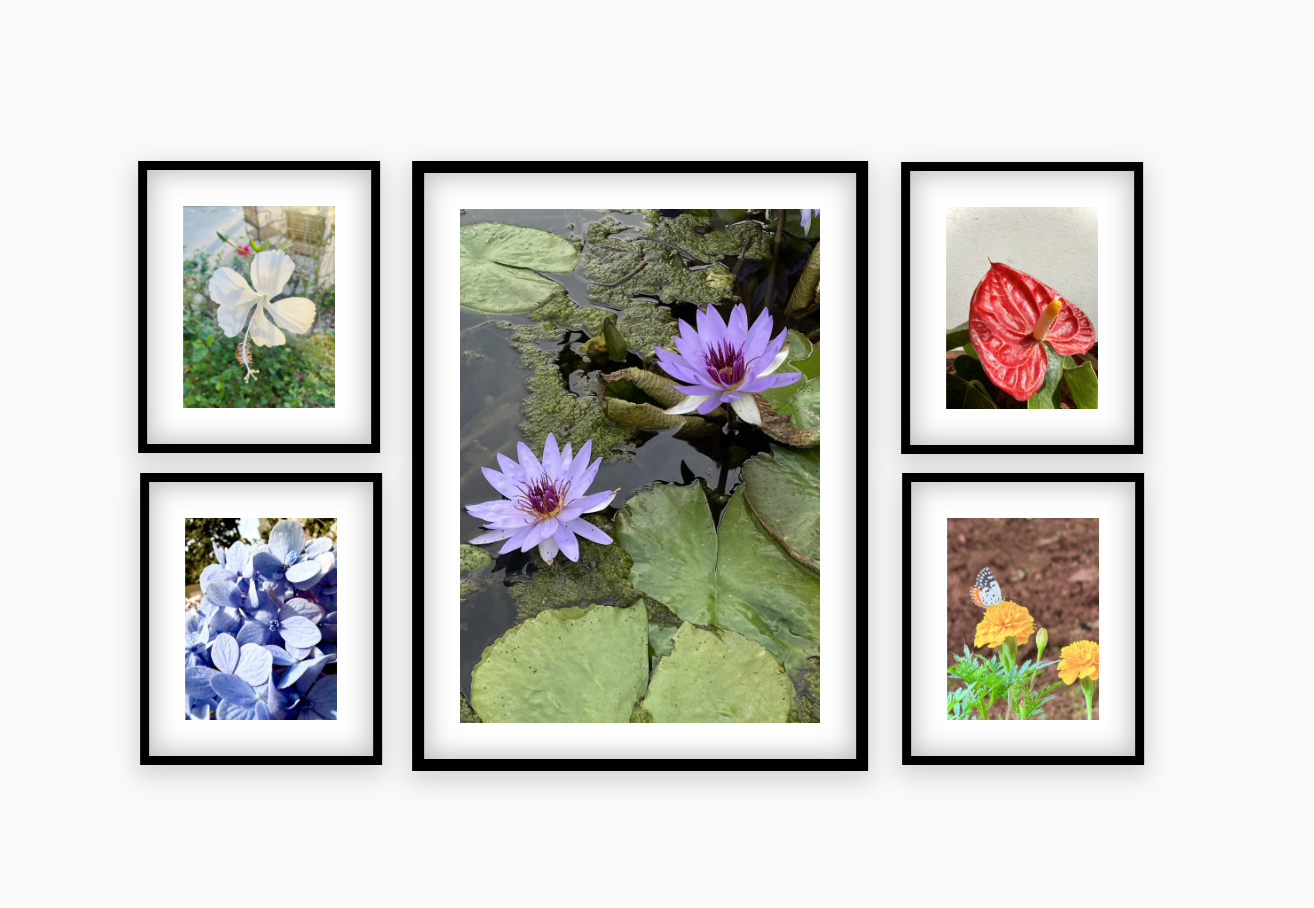
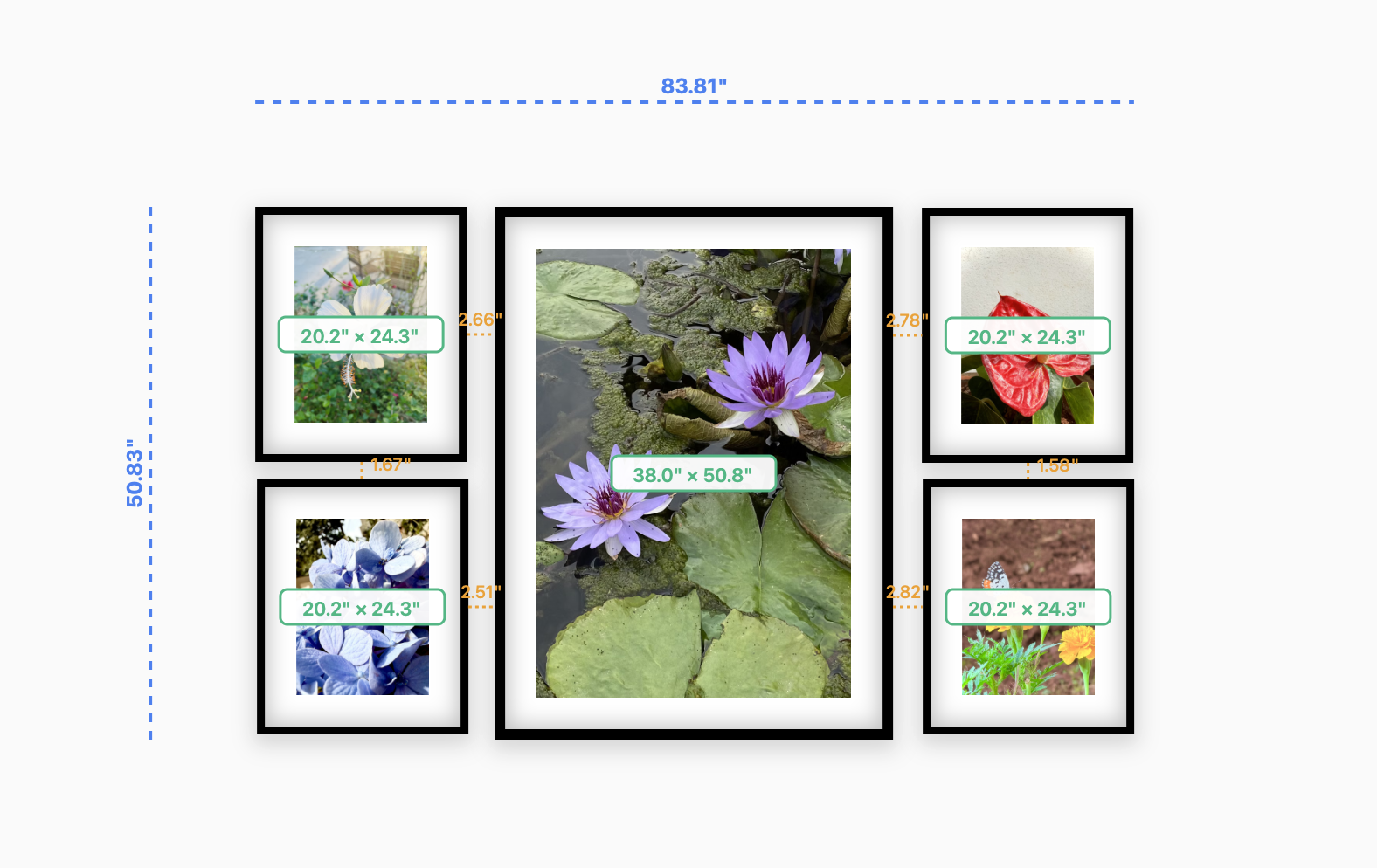
Centerpiece Layout
Highlight one main photo surrounded by smaller ones.
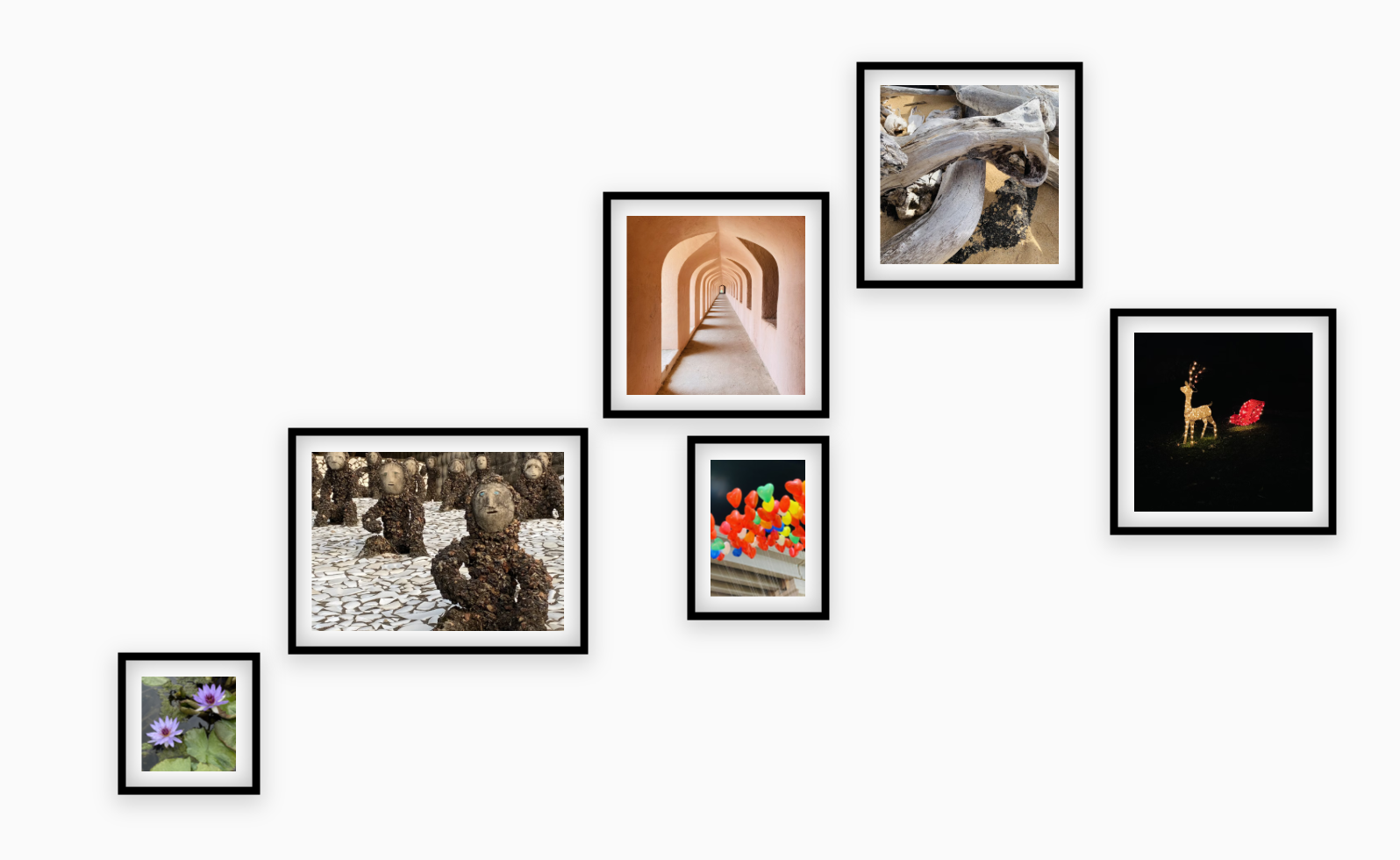
Staircase Rising
Follows the slope of your staircase perfectly.
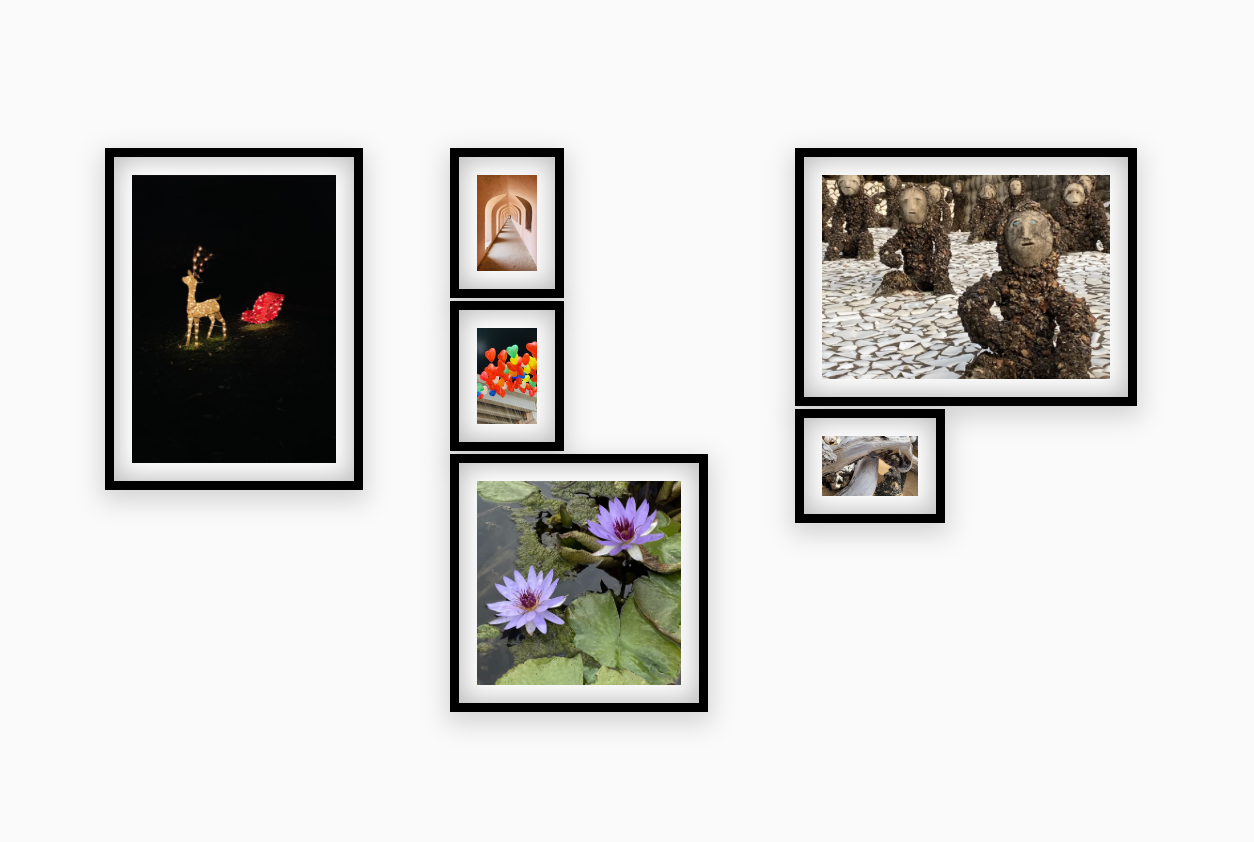
Masonry Layout
An organic, interlocking puzzle of different sizes.
Export or Screenshot Your Layout
Share visuals with installers, interior stylists, or whoever needs a quick reference.
- Print your new wall layout guide
- Share with friends or family for feedback
- Keep as a memory before rearranging
- Dream up new decor ideas without mess
Build Your Wall Plan Today
Open the live canvas, drop in your photos, and iterate until it feels right — all inside your browser.
Launch Photo Layout Tool